
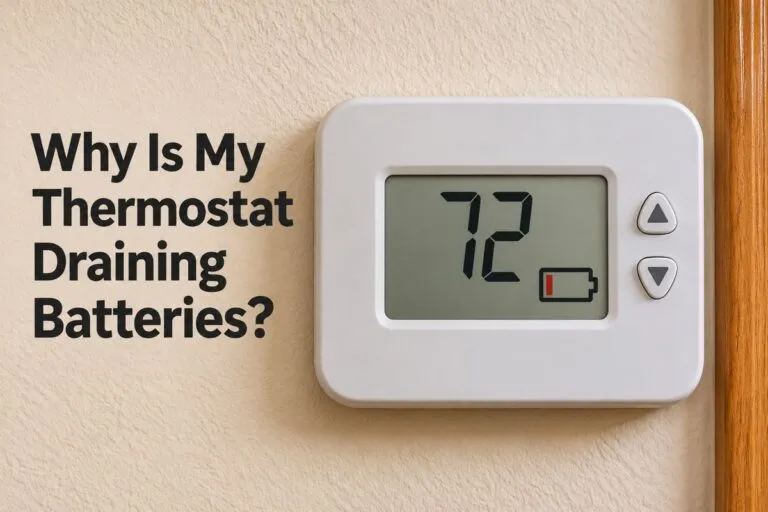
If your thermostat is draining batteries faster than it should, you are not alone. Many homeowners swap out batteries again and again and wonder what is going wrong. The good news is that the cause is often simple, and many fixes take only a few minutes.
Some causes are small, like old batteries or a dirty battery slot. Others point to a wiring or HVAC system problem that needs a pro. Let’s look at each one so you can find the real reason.
How Long Thermostat Batteries Should Last
Normal Battery Life
Most battery-powered thermostats use two AA or AAA batteries. In most homes, those batteries last about 1 to 2 years. Many thermostat makers suggest changing them once a year to be safe.
Your thermostat may use more power if it has a bright screen, a backlight, or Wi-Fi.
Signs Your Batteries Are Dying Too Fast
Here are some signs your thermostat is using up power too quickly:
- You change batteries every few months
- The screen looks dim or blank
- A low battery warning keeps coming back
- The thermostat resets its time or settings
- Your heat or air conditioning does not turn on when it should
If you see these signs, something is draining the power. Next, let’s find out what.
Common Reasons Your Thermostat Keeps Draining Batteries
Old or Low Quality Batteries
Not all batteries are the same. Cheap batteries may run out much faster than name-brand alkaline batteries. Batteries that sat on a shelf for years may also be weak when you put them in.
Always check the date on the package before you install new ones.
Mixed or Wrong Battery Types
Mixing old and new batteries is a common mistake. The old battery drags down the new one, and both die early. Using a different type, like one alkaline and one rechargeable, can cause the same problem.
Always replace both batteries at the same time. Use the type listed in your thermostat manual.
Bright Screens and Backlights
A lit screen uses power. If your backlight stays on a long time, your batteries will drain sooner. Some thermostats let you shorten how long the light stays on.
Wi-Fi and Smart Features
Smart thermostats do a lot more than a basic model. They connect to Wi-Fi, talk to your phone, and track your schedule. All of that takes energy.
Many smart thermostats are made to run on wiring power, not batteries. If one is running only on batteries, it may drain them quickly.
Loose or Dirty Battery Contacts
Dust, dirt, or corrosion in the battery slot can make a bad connection. A weak connection can make the thermostat work harder and drain power. Corrosion can look like white or green crust on the metal tips.
Wiring Problems That Drain Thermostat Batteries
No Common Wire (C-Wire)
The C-wire, or common wire, gives your thermostat steady power from your HVAC system. Many older homes do not have one. When a smart thermostat has no C-wire, it may pull power from other wires or from its batteries.
This can cause fast battery drain and sometimes weird behavior, like random restarts.
Weak Power From the HVAC System
Some thermostats use a trick called power stealing. They take a small amount of power from the heating and cooling wires. If the wiring is loose, old, or damaged, the thermostat may not get enough power. It then leans on the batteries to make up the difference.
Loose wires at the thermostat or at the furnace control board can cause this. A trained HVAC tech can check these connections safely.
When Your HVAC System Is the Problem
Transformer Issues
Your HVAC system has a small part called a transformer. It sends low-voltage power to your thermostat. If the transformer is weak or failing, your thermostat may not get the power it needs.
If your batteries drain fast and your system acts up too, this could be the cause.
Short Cycling
Short cycling means your system turns on and off too often. This makes the thermostat send more signals, which can use more power. Short cycling can also wear out your equipment and raise your energy bills.
Common causes include a dirty air filter, an oversized system, or a bad thermostat location.
Easy Fixes to Try at Home
Replace the Batteries the Right Way
Follow these steps:
- Turn your system to the “off” setting
- Remove both old batteries
- Put in two new, matching, name-brand alkaline batteries
- Make sure they face the right way
- Turn your system back on
Skip rechargeable batteries unless your thermostat manual says they are okay.
Clean the Battery Contacts
Take out the batteries first. Gently wipe the metal tips with a dry cloth or a cotton swab. If you see corrosion, a swab dipped in a little white vinegar can help. Let it dry fully before you put new batteries in.
Adjust Your Screen Settings
Look in your thermostat settings for backlight or display options. Shorten the time the light stays on. Lower the screen brightness if you can. These small changes can add months to your battery life.
Check Your Thermostat Placement
A thermostat in direct sun or near a heat vent may work harder than it needs to. Moving it to a better spot can help it run more smoothly.
When to Call an HVAC Pro
Signs You Need Professional Help
Call a pro if you notice any of these:
- Batteries die again within a few weeks
- The thermostat screen goes blank often
- Your heating or cooling turns on and off by itself
- You see burn marks, loose wires, or damaged wiring
- You are not sure how to check the wiring
Do not work with wires if you feel unsure. Wiring problems are best left to a trained technician.
Thermostat Replacement or Upgrade
Sometimes the thermostat itself is worn out. Most thermostats can last 10 years or more, but older units can start to fail. A tech can test it and tell you if it is time for a new one.
If you want a smart thermostat, a pro can also add a C-wire so it gets steady power and no longer relies on batteries.
If your thermostat keeps eating batteries, David’s HVAC is ready to help. Our team can check your wiring, test your system, and find the real cause. Visit David’s HVAC to schedule thermostat repair or HVAC service today.